Meta Open-Sources Muse Gadgets SDK and Firmware for DIY AI Devices
Developers can now build custom hardware powered by Meta's Muse AI agent using ESP32 microcontrollers and Linux boards, alongside a new Home Link device.
Key takeaways
- Meta released the open-source Muse Gadgets SDK under the Apache 2.0 license for ESP32 microcontrollers and Linux systems.
- Developers can link custom hardware components like e-ink screens, sensors, and audio modules to the Muse AI agent via the Muse mobile app.
- Meta built the Muse Home Link, an ESP32-C5 USB-C dongle manufactured in a 5,000-unit batch for active U.S. subscribers.
- Community-built skills allow the Muse agent to interface with local devices such as TVs, lights, and speakers using local HTTP APIs.
Meta has introduced Muse Gadgets, an open-source initiative designed to let developers build and customize physical hardware that connects directly to the company's Muse AI agent. Published on GitHub under the Apache 2.0 license, the release includes an ESP32 device SDK, Linux device SDK, and low-level firmware.
The project arrives shortly after Meta CEO Mark Zuckerberg revealed the Muse Charm at Meta Connect, presenting a wearable alternative for users seeking dedicated AI hardware without wearing smart glasses. According to Engadget, the new SDK expands that hardware ecosystem by encouraging tinkerers to experiment with alternative form factors.
Building Custom Hardware With ESP32 and Linux
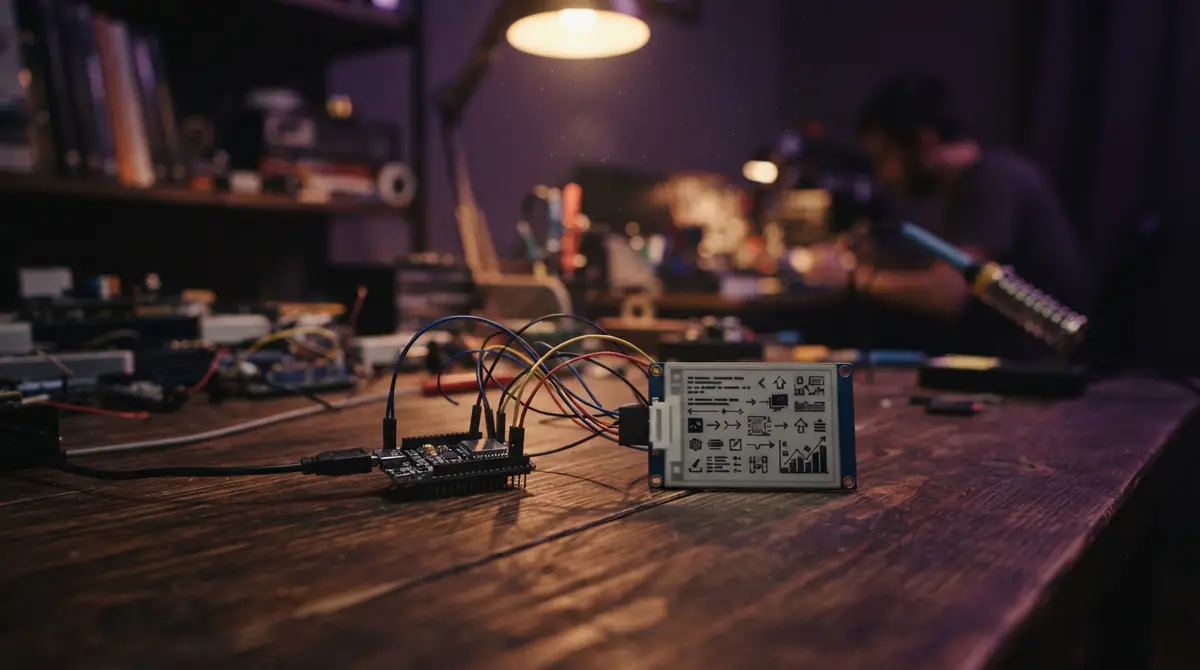
The open-source release is divided into two primary toolkits: an ESP32 Device SDK for microcontrollers and a Linux Device SDK for single-board computers such as the Raspberry Pi. According to the official GitHub repository, builders can connect displays, audio in and out, buttons, actuators, and sensors to interact with the Muse assistant.
Meta suggests several initial project concepts, including color e-ink briefing displays, status screens, and push-to-talk accessories. For Linux setups, developers can configure custom commands to let Muse manage system-administration tasks or bridge into existing Home Assistant installations. The repository also includes configuration files (AGENTS.md) designed to work with AI coding tools such as Muse Code.
To configure a DIY device, developers must generate an SDK token from Meta's gadget portal and enable Developer mode in the Muse mobile app on iOS or Android under Settings > Devices. The app detects devices broadcasting with the "MuseGadget" prefix, establishing a connection while requiring developers to safeguard their pairing tokens as secure credentials, according to documentation detailed by zeniteq.com.
The Muse Home Link Bridge
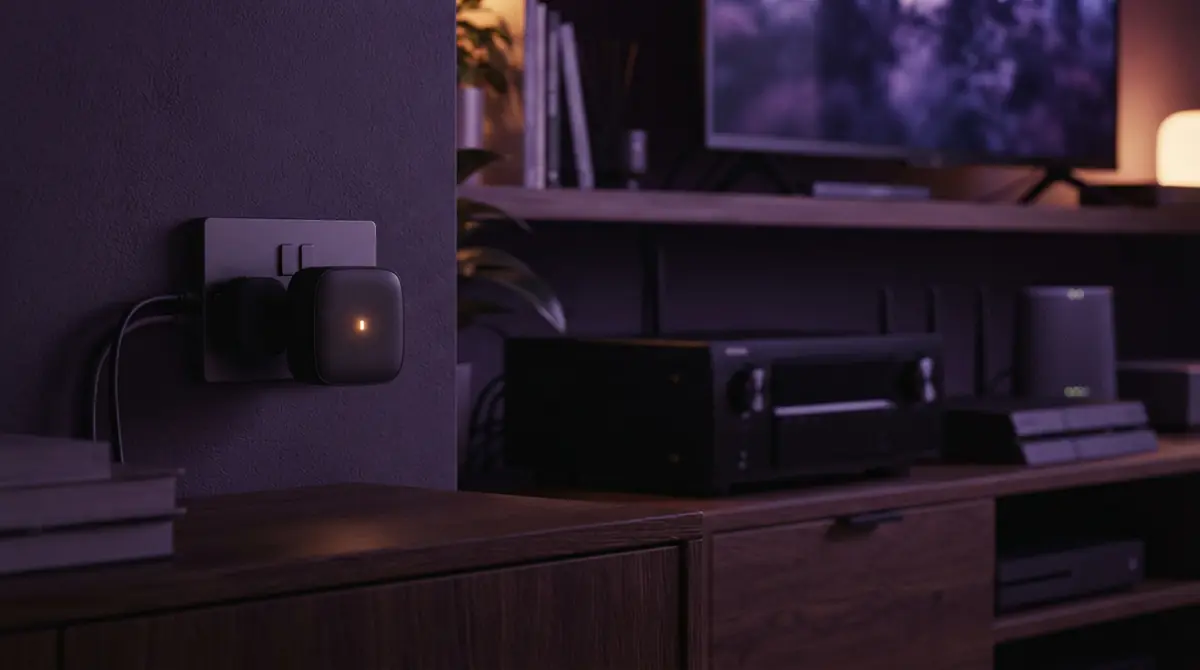
Alongside the developer SDKs, Meta created its own reference hardware device called the Muse Home Link. Built on an ESP32-C5 chip, the USB-C-powered accessory features dual-band Wi-Fi 6 (2.4 GHz and 5 GHz), USB-A connectivity, and an LED indicator for pairing and device status.
As reported by TechCrunch, Nat Friedman, head of product at Meta's Superintelligence Labs, announced that the company manufactured an initial run of 5,000 Home Link units. The device functions as a local network bridge, allowing the Muse AI agent to communicate over local HTTP APIs with smart electronics including Samsung TVs, Philips Hue lighting, Sonos sound systems, and network printers.
While the Home Link firmware is derived from the open-source ESP32 codebase, Meta notes that Home Link runs official firmware only and cannot be reflashed by users. Developers who want to flash custom firmware builds must supply their own third-party ESP32 development boards.
Licensing, Security, and Availability
The core Muse Gadgets code is licensed under Apache 2.0, with specific third-party components retaining their original licenses—such as minimp3 under CC0-1.0 and pixel font files under BSD-2-Clause. The Jollybot avatar asset is excluded from the Apache license. While the device-side firmware is open source, the Muse AI service itself remains proprietary and subject to separate platform terms.
Meta cautions that community-created smart home integrations are not officially warranted and should not be used for safety-critical systems such as emergency equipment or home security. Security guidelines published with the project advise builders to isolate gadgets on dedicated local networks and restrict exposed shell commands on Linux systems.
According to zeniteq.com, Meta is distributing the 5,000 manufactured Home Link units for free to active Muse subscribers in the United States on a first-come, first-served basis, with shipments slated to begin in October 2026. The DIY SDK route is available immediately for builders with compatible hardware.
Frequently asked questions
Is the Muse Home Link required to use the Muse Gadgets SDK?
No. Developers can build DIY devices independently using off-the-shelf ESP32 boards or Linux devices like the Raspberry Pi without purchasing or owning a Muse Home Link.
Can users modify the firmware on the Muse Home Link device?
No. The Muse Home Link runs locked official firmware and cannot be reflashed. Developers looking to run customized firmware must use standard third-party ESP32 microcontrollers.
What license governs the Muse Gadgets software?
The SDK repository is published under the Apache License, Version 2.0, with individual third-party libraries retaining their respective open-source licenses. The underlying Muse AI backend remains proprietary.
Sources
- facebookincubator/muse-gadget-sdkGitHub · Oct 2, 2026 · Official
- Meta Wants People To Build Their Own Muse Gadgets, TooEngadget · Oct 2, 2026
- Meta open sources code to let you make Muse AI gadgetsThe Verge · Oct 2, 2026
- Meta wants your next gadget to be Muse-infusedTechCrunch · Oct 3, 2026
- "Muse Gadgets" turns AI hardware into an open-source DIY projectThe Decoder · Oct 3, 2026
- Meta Open-Sources Muse SDKs for DIY Gadgetszeniteq.com · Oct 3, 2026
How this story was made: the newsroom picked it up from Techmeme, theverge.com and techcrunch.com, gathered the full text of the sources above, and drafted it with AI assistance. Every factual claim was then checked against those sources before publishing (34 claims checked). Illustrations marked as AI-generated are not photographs. Spotted an error? Tell us.
Published October 4, 2026 at 00:36 UTC